> ## Documentation Index
> Fetch the complete documentation index at: https://docs.rynopay.io/llms.txt
> Use this file to discover all available pages before exploring further.
# Fund a Wallet
> Add money to a Ryno wallet using an available funding method.
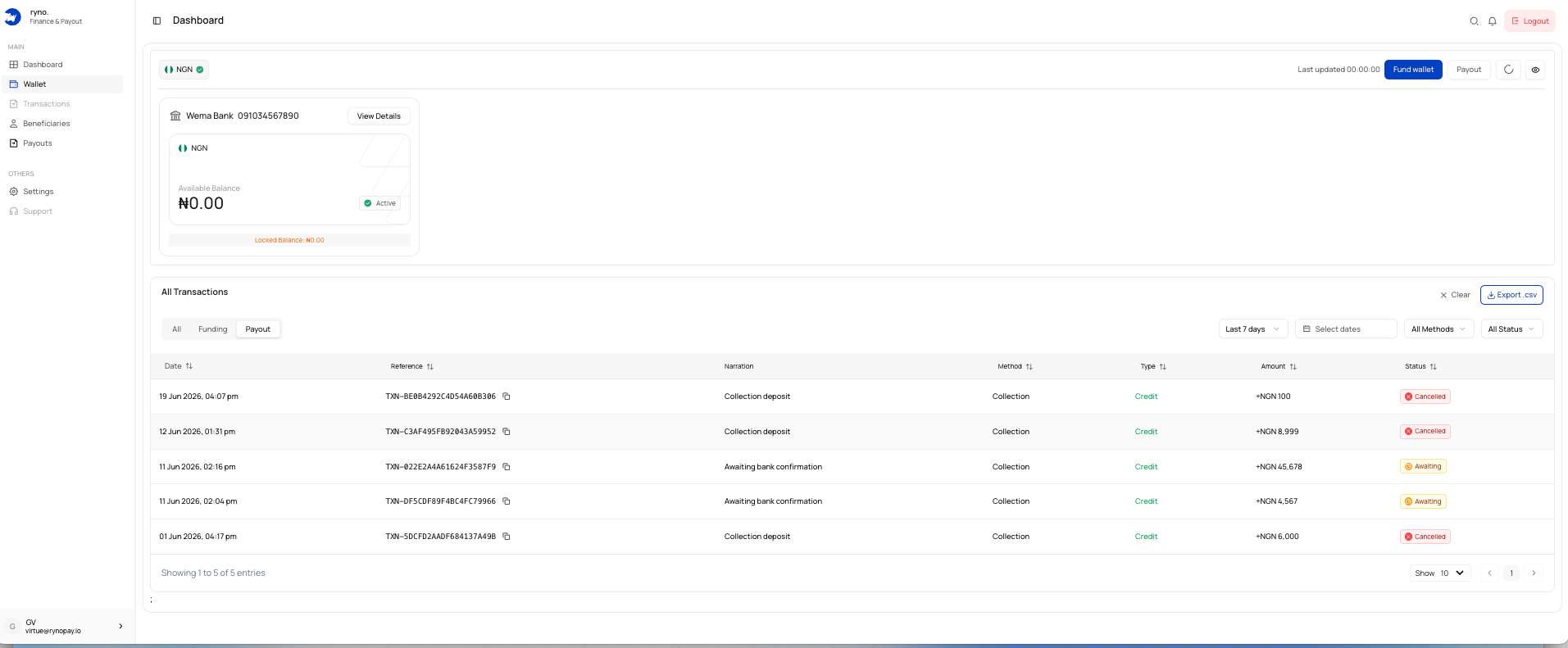
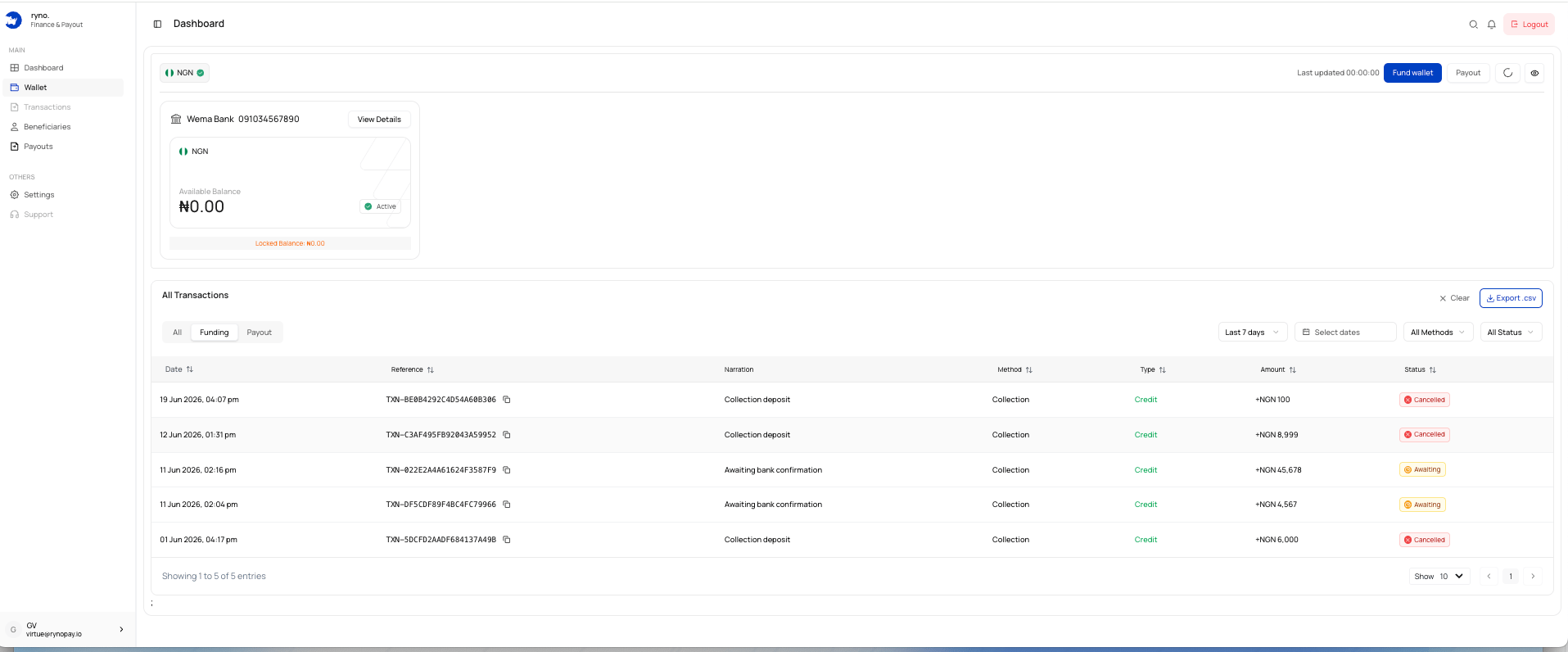
For the NGN wallet shown, Ryno generates a unique bank account for the exact amount entered.
## Steps
Open the wallet and select **Fund wallet**.
Select **Bank transfer**.
 Enter the exact amount you intend to transfer.
 The displayed minimum is **₦100**.
Select **Generate Account Details**.
Use your bank app to send the exact amount to the generated account.
Ryno detects the transfer and credits the wallet after confirmation.
Do not transfer a different amount or reuse a dynamic account for another request.
## Processing time
The interface indicates that confirmed transfers are usually credited within approximately 20 minutes, although processing time may vary.
## Common issues
Confirm that the amount meets the minimum requirement.
Contact Ryno Support with the receipt and funding reference.
Start a new funding request and use the new account details.
Check the transaction status and allow time for confirmation.
## Related guides
The displayed minimum is **₦100**.
Select **Generate Account Details**.
Use your bank app to send the exact amount to the generated account.
Ryno detects the transfer and credits the wallet after confirmation.
Do not transfer a different amount or reuse a dynamic account for another request.
## Processing time
The interface indicates that confirmed transfers are usually credited within approximately 20 minutes, although processing time may vary.
## Common issues
Confirm that the amount meets the minimum requirement.
Contact Ryno Support with the receipt and funding reference.
Start a new funding request and use the new account details.
Check the transaction status and allow time for confirmation.
## Related guides