

- Bank-account beneficiaries
- Crypto-wallet beneficiaries
- Individual beneficiaries
- Business beneficiaries
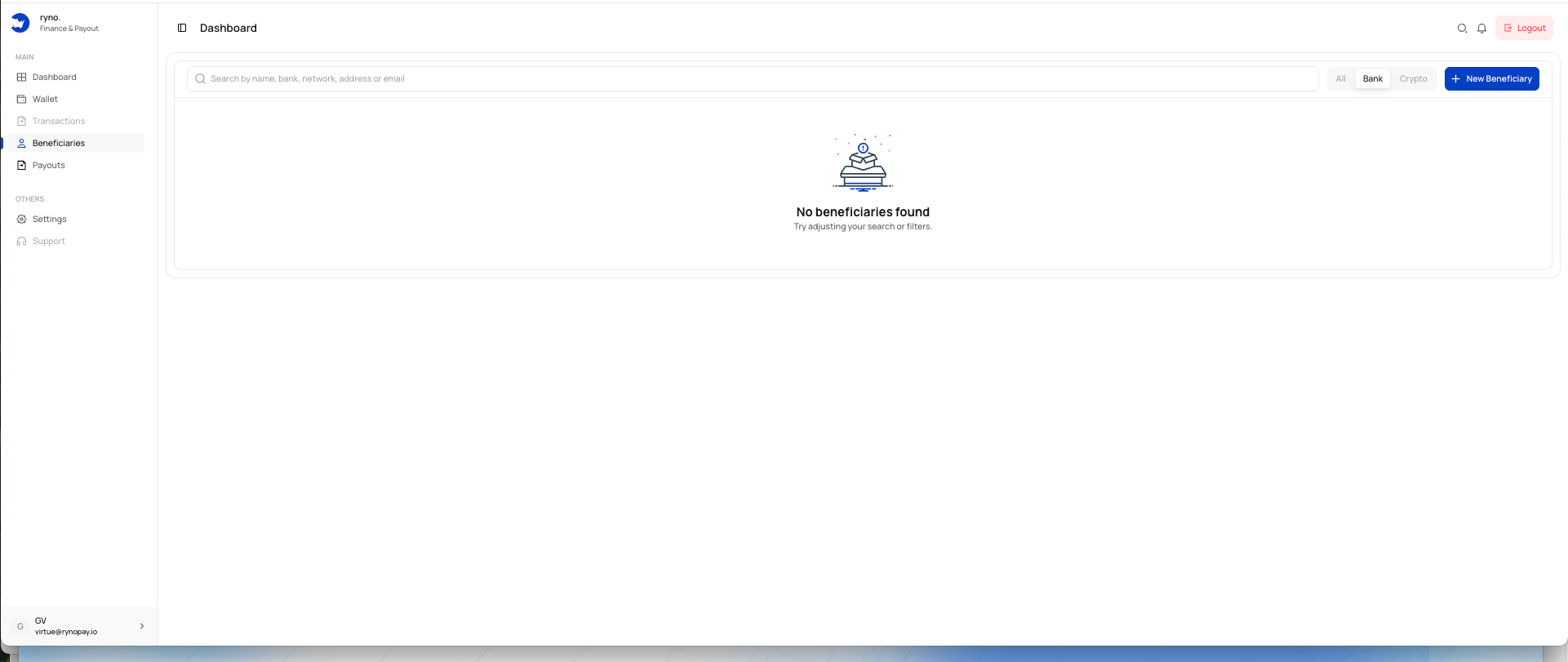
What you can do
From the Beneficiaries page, you can:- Search saved beneficiaries
- Filter by bank or crypto
- Add a new beneficiary
- Reuse verified destination details for future payouts
- Review beneficiary information before sending a payout
Search and filters
Use the search field to find a beneficiary by:- Name
- Bank
- Network
- Wallet address
- All beneficiaries
- Bank beneficiaries
- Crypto beneficiaries
Add a beneficiary
Select New Beneficiary to open the beneficiary form. Choose either:- Bank Account
- Crypto wallets
Saving a beneficiary allows the destination details and required compliance information to be reused during future payouts.
No beneficiaries found
The empty state appears when:- No beneficiary has been added
- A search has no matching results
- A selected filter has no matching beneficiary