

Steps
1
Select Fund wallet
Open the wallet and select Fund wallet.
2
Choose a funding method
Select Bank transfer.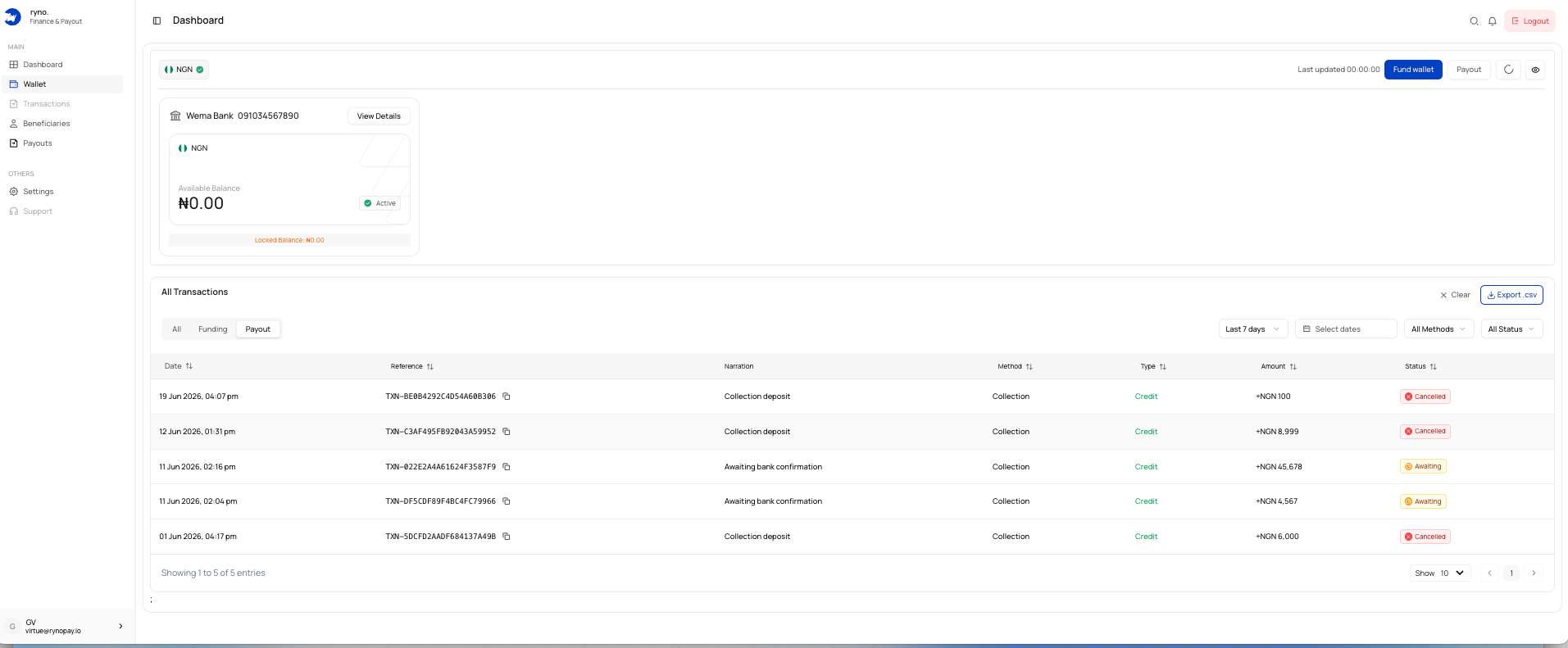
3
Enter the amount
Enter the exact amount you intend to transfer.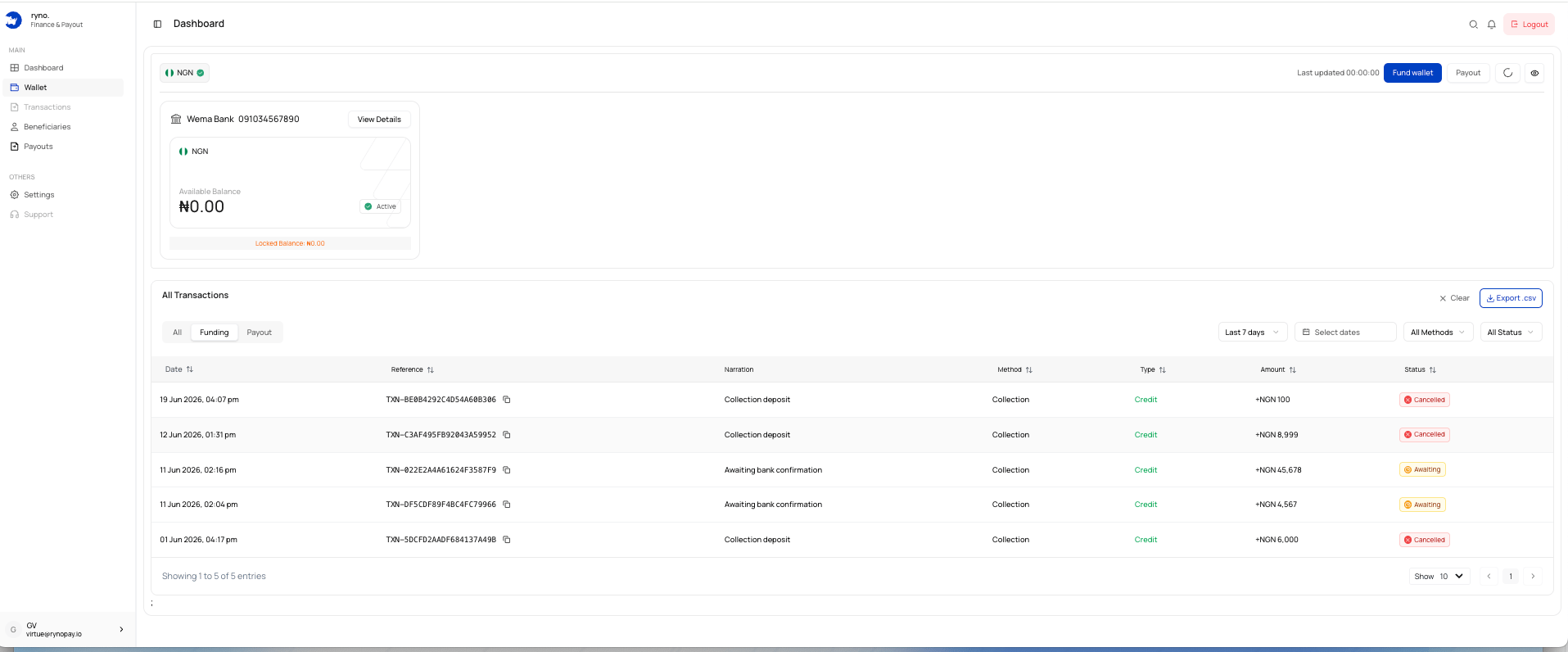
4
Generate account details
Select Generate Account Details.
5
Transfer the exact amount
Use your bank app to send the exact amount to the generated account.
6
Wait for confirmation
Ryno detects the transfer and credits the wallet after confirmation.
Processing time
The interface indicates that confirmed transfers are usually credited within approximately 20 minutes, although processing time may vary.Common issues
I sent a different amount
I sent a different amount
Contact Ryno Support with the receipt and funding reference.
The account expired
The account expired
Start a new funding request and use the new account details.
My wallet is not credited
My wallet is not credited
Check the transaction status and allow time for confirmation.