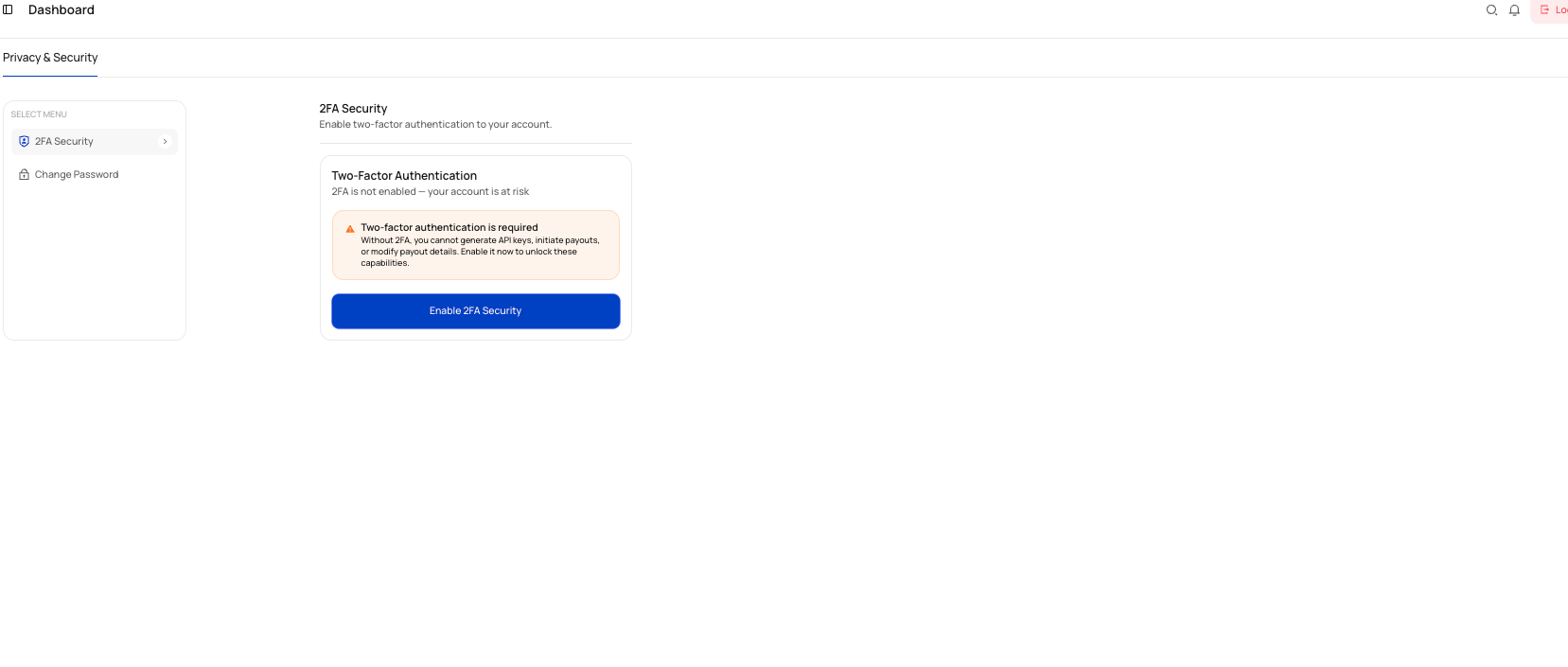
The Settings section is where you manage your account’s privacy and security controls in the Ryno Business Portal.
At the moment, the available options shown in this module are:
- 2FA Security
- Change Password
What you can do in Settings
From the Privacy & Security area, you can:
- Enable two-factor authentication (2FA)
- Verify sign-in using an authenticator code
- Use a backup code during sign-in if needed
- Regenerate backup codes after 2FA is enabled
- Disable 2FA if required
- Change your account password
Why this matters
Two-factor authentication is required for some sensitive actions. Without 2FA, you cannot generate API keys, initiate payouts, or modify payout details.
Sections in this guide
Two-Factor Authentication